Spacing
Headlines
- Headlines should be set in Moderustic Bold or Semi bold.
- Line leading should be set to 110% (Ex. 80pt type 88pt leading)

Body copy
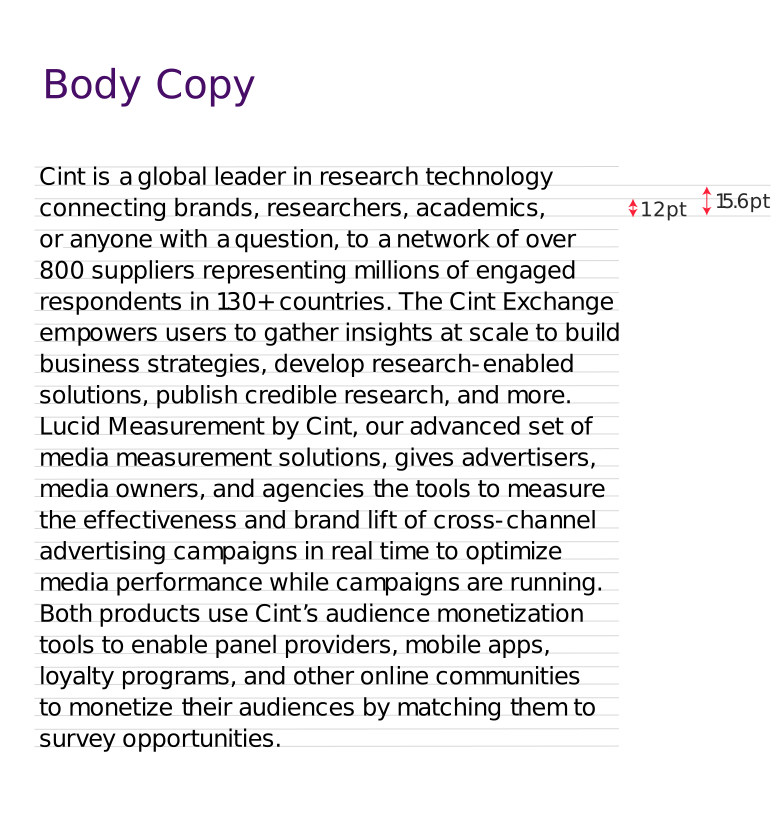
- Body should be set in Inter regular and only use bold or italics for emphasis
- Line leading should be set to 130-140% depending on text density (Ex. 10pt type / 13pt leading)
Color
Headline text color

Headlines can be set in Black, white, dark grey, or any of the primary or secondary brand colors.
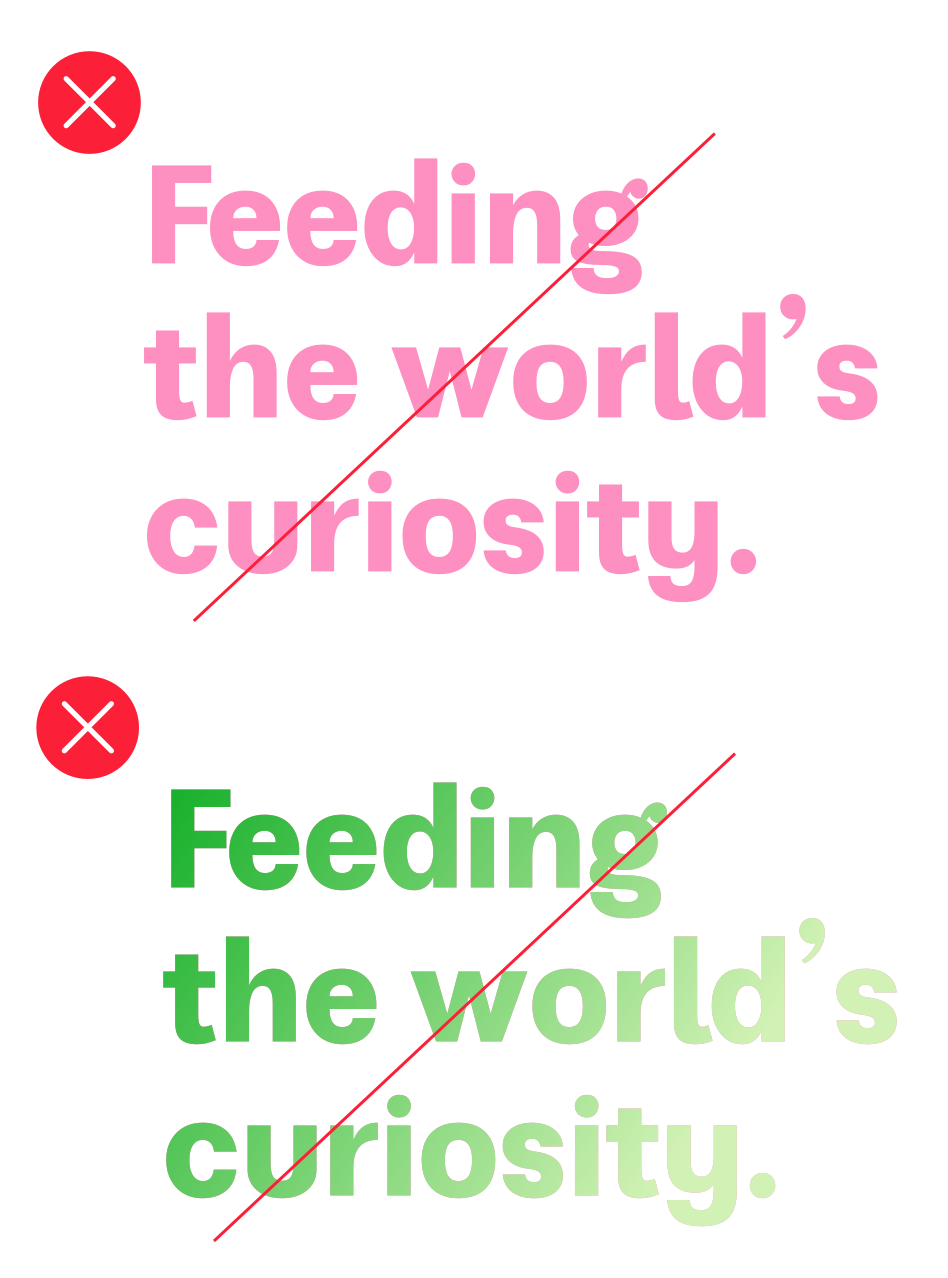
Do not use any tints or off brand colors for headlines.
Headlines can have any of the primary gradients applied to them.
Content tags
Content tags are used to provide context to headlines or body copy.
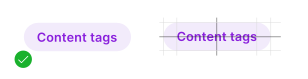
Tags should be set in Inter regular and optically centered within a fully rounded oblong
Tags should be only a few words or short phrase and should not be on two lines
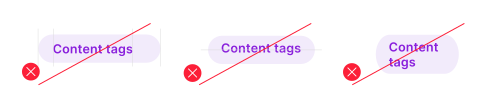
Usage
Content tags can be used above or below headlines.


Alignment
When using a content tag above a headline tag should be spaced equal to the leading of the headline

Colors

Tags can be set in any of primary or secondary brand colors. Background should be the lightest tint with text in the base color.
Icons
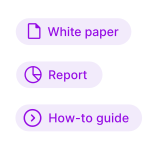
Tags can be used with icons for purposes of content categorization. (Ex. Knowledge Center)
CTAs
Calls to action (CTAs) guide prospects by clearly communicating the next desired step.
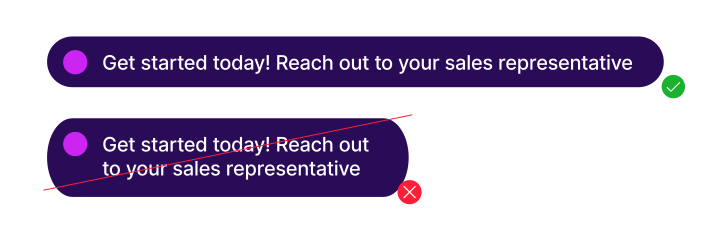
Our CTA are contained with in pill shaped oblong. A circle preceeds CTA text and should be 50% of the height of the oblong.
Text should align optically centered in the oblong with and even amount of spacing between the edge of the oblong and the text

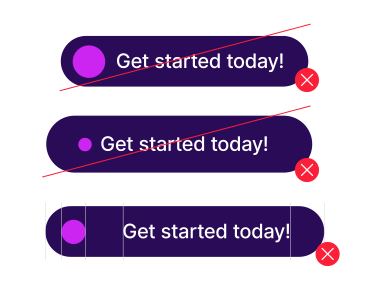
Usage
Whenever possible, CTAs should clearly state and directly link to the next action for the prospect. CTA text should not include full URLs—only display up to the ‘.com’.
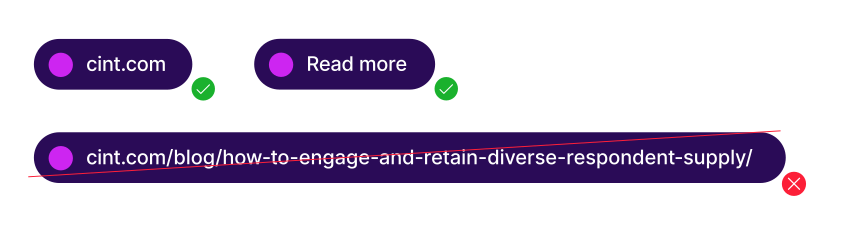
Length
Where space allows, CTAs can include multiple sentences to clarify the next action—especially in non-digital formats where additional context may be needed. However, CTAs should remain concise: no longer than 10–12 words and should never span multiple lines.